Shopify Conversion Tracking: Why Native Tracking Misses Revenue (And How to Fix It)
by Littledata
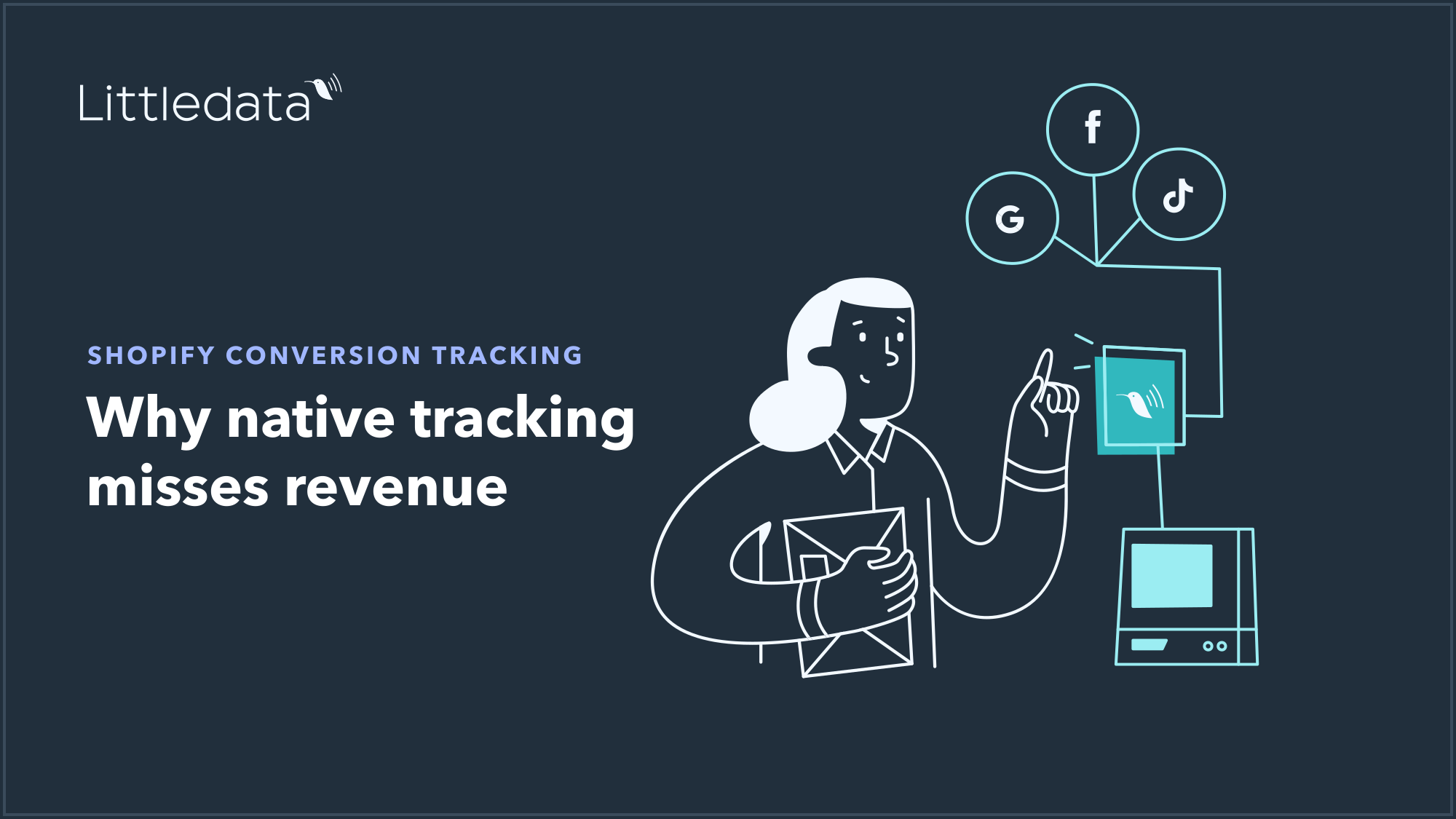
Accurate Shopify conversion tracking sends every purchase, refund, subscription, and checkout event from Shopify's servers directly to GA4, Google Ads, Meta, and Klaviyo, regardless of what happens in the shopper's browser. Littledata automates this setup for Shopify and Shopify Plus stores in about 10 minutes, with no Google Tag Manager and no code required.
The core problem: Shopify's own 2026 ecosystem data shows stores relying on client-side GA4 tracking capture approximately 78% of total purchases. The remaining 22% go missing or land under Direct, because ad blockers, iOS privacy settings, and shoppers who close the tab before the thank-you page fires all break browser-based pixels. For a store doing £100,000 in monthly revenue, that gap means £22,000 in attributed revenue is invisible to every tool you use to make spending decisions.
Server-side tracking fixes this at the source. Instead of a JavaScript tag in the visitor's browser firing the purchase event, Shopify's server fires it directly to your analytics and ad platforms. The shopper's browser is no longer in the critical path.
Littledata has pioneered server-side tracking for Shopify since 2017, trusted by 2,000+ Shopify brands including Grind, Wildgrain, Skinfix, and Soda Sense.
Why Shopify's Built-In Tracking Is Incomplete
Shopify's default tracking, and even the native Google & YouTube app, relies on browser-based JavaScript to fire conversion events. That approach has three structural weaknesses that no amount of tag configuration can fully solve.
The three gaps that cost you revenue
1. Browser interruptions Ad blockers, Safari's Intelligent Tracking Prevention, and shoppers who close the tab immediately after clicking "Pay" all prevent the thank-you page from firing. Industry data shows client-side tracking misses between 15% and 25% of purchases on a typical Shopify store.
2. Broken attribution Even when the purchase event fires, it may not be stitched to the session that drove it. Revenue piles up under Direct or Unassigned in GA4, making it impossible to know which campaigns actually earned the sale.
3. Incomplete funnel data Shopify's native Google integration sends purchases server-side, but product views, add-to-cart events, and each checkout step still depend on the browser. A broken step in the funnel means you cannot see where shoppers drop off, or measure what fixes it.
The result: your ROAS calculations, A/B tests, and bid strategies are all built on a partial view of reality. Ad platforms optimize on the conversions they can see, not the ones that happened.
What a proper Shopify conversion tracking setup looks like
Accurate conversion tracking for Shopify requires server-side events for the full funnel, not just the purchase. The table below shows the events that matter and whether native Shopify tracking covers them.
| Event | Native Shopify (Google & YouTube app) | Littledata |
|---|---|---|
| Purchase | Server-side | Server-side |
| Refund | Not tracked | Server-side |
| Subscription / recurring order | Not tracked | Server-side |
| Checkout steps (begin, shipping, payment) | Browser only | Server-side |
| Add to cart | Browser only | Server-side |
| Product list views and clicks | Browser only | Server-side |
| Attribution stitched to campaign | No | Yes (Session Enrichment) |
| Other sales channels (POS, TikTok Shop) | No | Yes |
| Custom events from Shopify apps | No | Yes (Event Editor) |
How Littledata Fixes Shopify Conversion Tracking
Littledata works as a data layer between Shopify and every marketing channel. It captures browser and server events once, then delivers the same accurate, consistent data to every destination. You do not rebuild the same events for each platform, and you do not maintain a GTM container.
One connection, every channel
Install the Littledata Shopify app, connect your channels, and server-side tracking is live in about 10 minutes. From that point, every Shopify event flows through a single schema to all connected destinations.
-
Google Analytics 4 - full ecommerce funnel, server-side, with attribution stitched to the campaign that earned each order
-
Google Ads - Enhanced Conversions sent server-side, so Smart Bidding optimizes on verified purchase data
-
Meta Ads - Conversions API with strong match rates, recovering purchases that browser pixels miss
-
Klaviyo - complete Shopify event data including abandoned checkout, browse abandonment, and subscription status
-
TikTok, Pinterest, Segment - same server-side events, same accuracy
Session Enrichment: fixing attribution, not just tracking
Capturing the purchase server-side is only half the problem. If the purchase is not connected to the session that drove it, GA4 still misattributes revenue to Direct.
Littledata's Session Enrichment stitches every server-side order back to the original marketing source. Attribution Boost carries first-order attribution onto recurring subscription orders, so you see the true lifetime value of each acquisition channel, not just the first purchase.
What Littledata tracks that native Shopify does not
Beyond purchases, Littledata sends the events that make your GA4 property genuinely useful for decision-making:
-
Refunds tracked server-side, so GA4 revenue reflects actual retained revenue
-
Subscription and recurring orders from Recharge, Skio, and other subscription apps
-
Checkout funnel steps server-side: begin checkout, shipping info, payment info, purchase
-
Product list views and clicks for merchandising analysis
-
Other sales channels: POS, TikTok Shop, Amazon, and draft orders, each attributed correctly
-
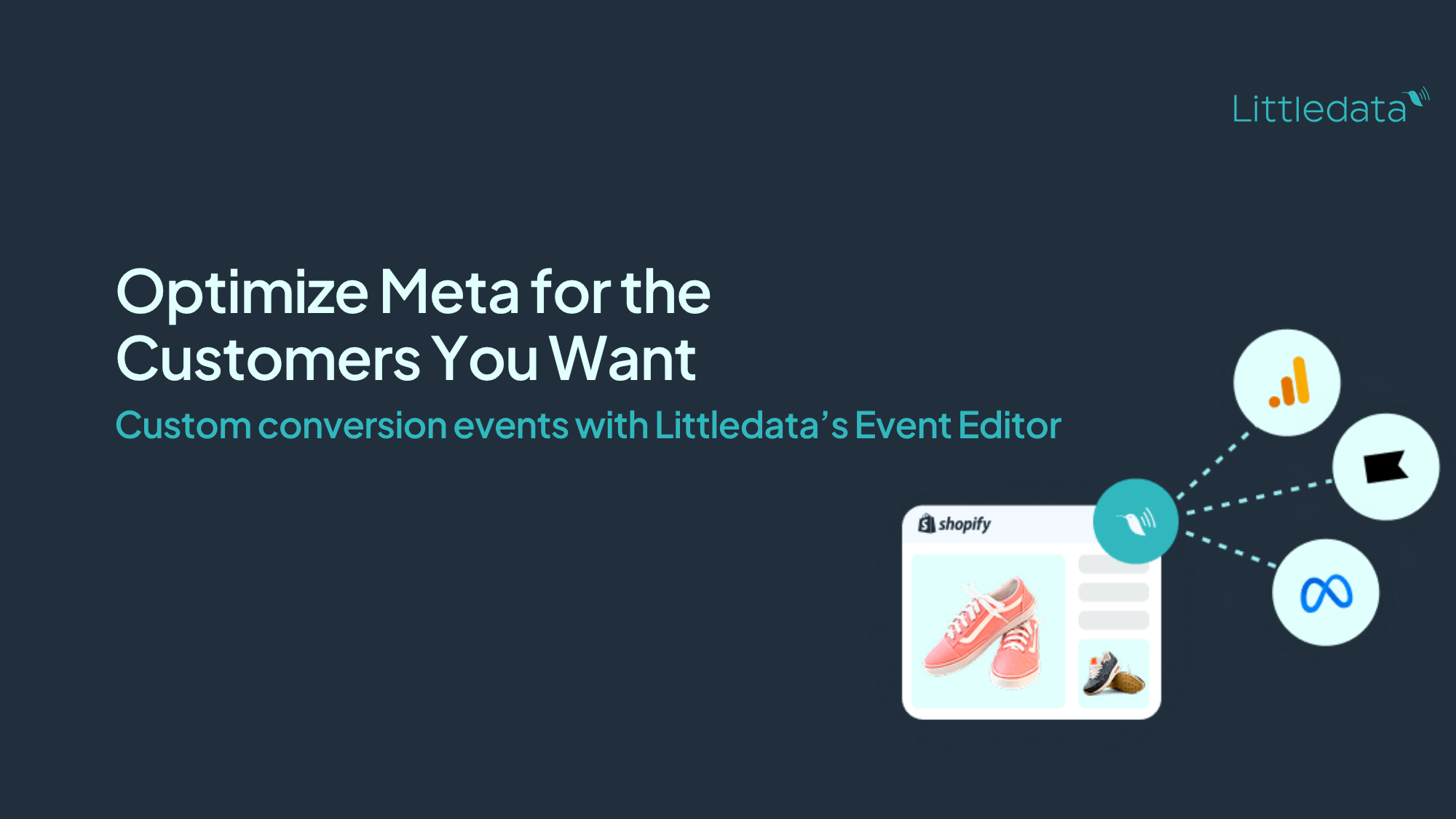
Custom events built from your Shopify apps and metafields in the Event Editor, with no code
How to Set Up Shopify Conversion Tracking with Littledata
Proper Shopify conversion tracking does not require a developer, a GTM container, or a custom data layer. Littledata handles the technical setup automatically.
Step-by-step setup
-
Install the Littledata app from the Shopify App Store. The app connects to your store and configures server-side tracking automatically.
-
Connect your channels. Select GA4, Google Ads, Meta, Klaviyo, or any other destination. Littledata generates the required credentials and handles the API connections.
-
Verify your events. Use Littledata's live order feed to confirm purchases, refunds, and checkout events are flowing correctly. Compare GA4 revenue against Shopify orders; a well-configured setup closes the gap to within 3% to 5%.
-
Turn on additional features. Enable Session Enrichment to fix attribution, Profit Signal to report net revenue alongside order value, and Persistent ID to reconnect returning shoppers after cookies expire.
-
Add custom events. Use the Event Editor to attach Shopify app data, loyalty tiers, subscription status, or product metafields to your events, with no code.
How long does setup take?
Most Shopify brands have server-side conversion tracking live within 10 minutes of installing the app. Littledata Plus plans include managed onboarding with a Google Analytics expert if you want a guided setup or a full audit of your existing tracking.
Does Littledata work with Shopify's new server-to-server integration?
Google began rolling out a native server-to-server integration for the Google & YouTube app in July 2026. That integration covers the purchase event for GA4 only. It does not fix attribution, does not cover the checkout funnel, and does not send data to Meta, Klaviyo, or TikTok.
Littledata covers all of that from a single connection, and has done so since 2017. The two setups can coexist; Littledata's deduplication logic ensures purchases are not double-counted in GA4.
What Shopify Brands Achieve with Accurate Conversion Tracking
Incomplete conversion data does not just affect reports. It directly degrades ad performance, because platforms like Google Ads and Meta optimize their bidding on the signals they receive. More accurate signals mean better optimization, lower CPA, and higher ROAS.
Here is what Littledata customers have achieved after fixing their Shopify conversion tracking:
| Brand | What they fixed | Result |
|---|---|---|
| Soda Sense | Server-side conversions to Google Ads | Cut CPA by 50% |
| Wildgrain | Abandoned checkout tracking via Klaviyo | 6x abandoned checkout revenue |
| Future Kind | Checkout started event capture | +205% event capture rate |
| Naturalmat | Google Ads with accurate conversion data | Cut CPA by 46% |
| Grind | Full GA4 and Shopify data alignment | Scaled DTC sales 50x |
| Skinfix | Attribution accuracy for headless store | 6x revenue boost |
"We used Littledata to fix our Google Analytics tracking for Recharge orders, then we added their Meta CAPI solution, and now their Abandoned Checkout solution." - Wildgrain
The pattern across these results is consistent: when ad platforms receive complete, accurate conversion signals, campaign performance improves without changing creative or budget. The optimization algorithms simply have better data to work with.
Frequently asked questions
What is Shopify conversion tracking?
Shopify conversion tracking records customer actions, primarily purchases, and sends that data to analytics and advertising platforms so you can measure campaign performance and optimize spend. Accurate conversion tracking requires server-side events that capture purchases regardless of browser conditions, plus attribution that connects each order to the marketing channel that drove it.
Why is my Shopify GA4 revenue lower than my Shopify orders?
The gap exists because GA4 relies on a JavaScript event firing in the shopper's browser on the thank-you page. Ad blockers, Safari's privacy settings, iOS tracking restrictions, and shoppers who close the tab early all prevent that event from firing. A gap of up to 10% is typical for well-configured setups; anything above 20% indicates a structural tracking problem. Server-side tracking from Shopify closes the gap to within 3% to 5%.
Does Littledata replace Google Tag Manager?
Yes. Littledata automates the server-side event setup that GTM requires manual configuration to achieve. You do not need a GTM container, a custom data layer, or a developer. The app handles Shopify's Web Pixels API and server-side connections automatically.
Does Littledata track Shopify subscription orders?
Yes. Littledata tracks recurring orders from Recharge, Skio, Bold Subscriptions, and other subscription apps. Each recurring order is sent server-side and attributed correctly in GA4, Google Ads, and Meta, with a flag that distinguishes first orders from renewals.
Which Shopify features does Littledata support?
Littledata supports Checkout Extensibility, headless storefronts, Shopify Markets, Shopify POS, Consent Mode v2, and all major third-party checkout and subscription apps. It is a Built for Shopify certified app with 120+ five-star reviews.
How do I know if my Shopify conversion tracking is accurate?
Compare your GA4 purchase event count against your Shopify order count over the same 30-day period. If GA4 reports fewer than 90% of Shopify's orders, your tracking has a significant gap. After adding Littledata, the two numbers should align within 3% to 5%. You can monitor this in real time using Littledata's live order feed.
Shopify's default tracking leaves a meaningful gap between the revenue your store earns and the revenue your marketing tools can see. That gap inflates CPAs, undermines bid strategies, and makes every optimization decision less reliable.
Littledata closes it, from a single app, in about 10 minutes.
Start your free trial on the Shopify App Store and have server-side conversion tracking live today. Or book a demo to walk through your current setup with a Littledata expert.