Server-side tracking for Shopify Hydrogen and headless stores
Keep accurate attribution when you go headless. Littledata connects your custom storefront to the Shopify checkout and sends every order to GA4, Google Ads, Meta, TikTok, Pinterest and Segment, with no code.



Why headless tracking breaks
Going headless splits the customer journey in two
A headless store runs its storefront on Hydrogen, Next.js or another framework, then hands shoppers to the Shopify checkout. Session and user identifiers are not shared between the two, so the order loses its campaign source and ad platforms never see the conversion.
Shopify's free channel apps for Google, Meta and TikTok can't fix this. They work by injecting scripts into a Shopify theme, and a headless build has no theme. Rebuilding tracking with Google Tag Manager and custom web pixels is slow, fragile and breaks with frequent frontend deployments.
Littledata fixes headless attribution without a tagging project. The Littledata Pixel captures marketing identifiers on your storefront and passes them to our server-side pipeline, which tracks every checkout step and order directly from Shopify.
Leading headless Shopify brands use Littledata




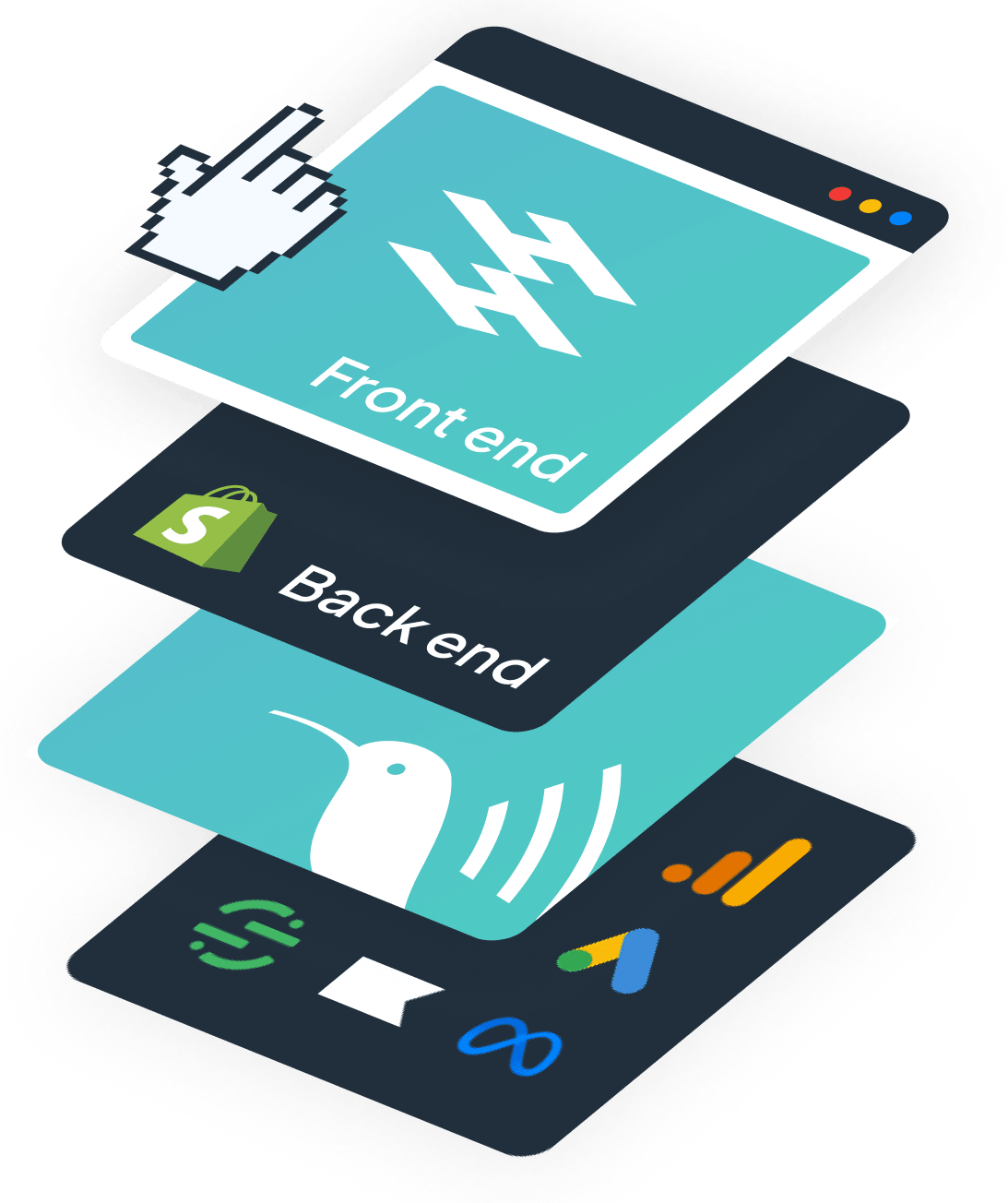
How Littledata works on a headless store
One data layer across your storefront and the Shopify checkout
Keep your existing tags on the pages you built. Littledata takes over where tag-based tracking fails: the handoff to checkout and the purchase itself.
- Identity stitching - the Littledata Pixel links each checkout to its originating session and campaign source.
- Server-side checkout and purchase tracking - checkout steps, orders and refunds are sent from Shopify's servers, unaffected by ad blockers or browser privacy settings.
- Complete orders - subscriptions, upsells, draft orders and orders from other sales channels are included.
- No code to maintain - setup takes minutes and doesn't break when you redeploy your frontend.
What sets Littledata apart
Why headless brands choose Littledata over custom tracking
Headless teams pick Littledata so their developers can build the storefront, not maintain tracking scripts.
No-code setup in minutes
Install the app, add the Littledata Pixel and choose your destinations. Proven Skincare was fully integrated in under five minutes.
Every order tracked server-side
Purchases are sent directly from Shopify, so ad blockers and browser restrictions can't hide them from your reports.
Works with any headless framework
Hydrogen, Next.js, Remix, Gatsby, Buy SDK landing pages and native mobile apps that use the Shopify checkout.
Liquid and headless in one setup
Littledata also tracks your Shopify theme, so brands running both storefronts get full event parity in one schema.
Six destinations, one pipeline
GA4, Google Ads, Meta Conversions API, TikTok Events API, Pinterest Conversions API and Segment, all fed from the same data.
Runs alongside your tags
Littledata complements the tags on your custom pages, so you can benchmark the uplift before changing anything else.
Littledata vs custom tracking for headless Shopify
How Littledata compares with the options most headless teams try first.
| Capability | Shopify channel apps | GTM + custom pixels | Littledata |
|---|---|---|---|
| Works on a Hydrogen or headless storefront | No, needs a Shopify theme | Yes, with custom tagging | Yes, no code |
| Links checkout to the storefront session |  | Manual cookie and ID handling | Automatic identity stitching |
| Where purchases are tracked | In the browser | In the browser | Server-side, directly from Shopify |
| Subscriptions, upsells and refunds | | Custom build per event | Included |
| Setup time | Not available headless | Weeks of developer time | Minutes |
| Maintenance | | Breaks with frontend deployments | Maintained by Littledata |
Events tracked automatically on a headless store
Every event below is tracked server-side from the Shopify checkout. Purchases include subscriptions, upsells, drafts and orders from other sales channels.
| Destination | Events tracked server-side |
|---|---|
| Google Analytics 4 | begin_checkout, add_shipping_info, add_payment_info, purchase, refund, upsell |
| Google Ads | Conversion |
| Segment | Checkout Started, Checkout Step Viewed, Checkout Step Completed, Payment Info Entered, Order Completed |
| Meta Conversions API | Initiate Checkout, Add Payment Info, Purchase |
| TikTok Events API | Initiate Checkout, Add Payment Info, Complete Payment |
| Pinterest Conversions API | Checkout |
Customer story
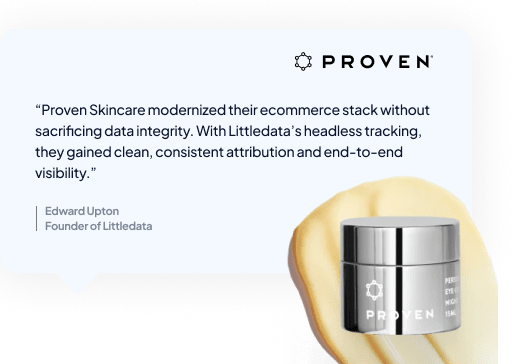
Proven Skincare restored full visibility across Next.js and Liquid
Proven Skincare launched a headless Next.js storefront alongside their existing Liquid store, with Segment at the center of their data stack. Without Littledata, they would have needed a custom GTM-based build.
Instead, they deployed Littledata in under five minutes and got full event data parity between both storefronts, with every checkout attributed to the correct user and campaign across Segment, Meta, GA4 and Google Ads. Zero engineering effort required.

Customer story
Soft Services lifted attribution to 80%+ of daily orders
Soft Services, an early adopter of headless storefronts, wanted attribution that held up through frequent frontend deployments and changing browser policies.
With Littledata's persistent session stitching and server-side checkout tracking, all attributable orders are now linked to the correct source in GA4, around 80% of total daily orders. The team can reallocate spend to their best channels with confidence.

Beyond Hydrogen
Track any headless build that uses the Shopify checkout
Chosen another framework? As long as shoppers check out on Shopify, Littledata's tracking works. Supported setups include:
- Shopify Hydrogen, including stores hosted on Oxygen
- Headless channels built on the Storefront API with Next.js, Remix or Gatsby
- Custom landing pages with a Buy Now button, or built on the Shopify Buy SDK
- Native mobile apps that use the Shopify checkout
Because Littledata also tracks your Shopify theme, you can follow the complete customer journey across every storefront you run.

For Segment users
Headless Shopify data in Segment, ready for every tool
Using Segment as your CDP? Littledata's Shopify to Segment connection sends checkout and order events server-side, linked to the Segment Anonymous ID from your headless storefront. Every downstream tool gets complete, correctly attributed customer journeys.
How to set up headless Shopify tracking
Keep your storefront tags
Tag your pre-checkout pages the usual way, for example with Google Tag Manager.
Install Littledata
Install the Littledata app from the Shopify App Store and add the Littledata Pixel during setup.
Add your destinations
Connect GA4, Google Ads, Meta, TikTok, Pinterest or Segment in a few clicks. Server-side tracking starts straight away, with no code.

