More efficient Google Ads, powered by better Shopify data
Littledata streams server-side Enhanced Conversions from Shopify, so Smart Bidding stops wasting budget on the wrong customers



Why Littledata × Google Ads
Smart Bidding is only as good as the signal
Google allocates your budget with AI - Smart Bidding and Performance Max - and purchases are its strongest signal. Littledata adds full server-side tracking from Shopify - no code, no maintenance - so Google optimizes on the complete picture.
- 30% performance boost - server-side conversion tracking attributes more Shopify revenue to your Google campaigns.
- Enhanced Conversions - hashed first-party data matches buyers through Google's device graph, across devices and even when cookies are blocked.
- Multi-source conversions - Littledata is the first Shopify app using Google's new Data Manager API.
- Attribute all sales channels - including POS orders, TikTok Shop, recurring purchases, and post-purchase upsells.
The Google & YouTube app vs. Littledata
Shopify's native channel sends client-side conversions to Google, but misses the signals that power optimization.
Google & YouTube app
Missing revenue
Around 30% of Shopify revenue is never tracked, so Smart Bidding learning is impaired.
Weaker customer matching
No Enhanced Conversions from first-party data, so purchases are lost to attribution when cookies are blocked or shoppers switch devices.
One-size-fits-all conversions
Gross order totals only - no new-customer conversions, no recurring orders, and no way to customize what Smart Bidding optimizes for.
With Littledata
Every order tracked server-side
Purchases fire from Shopify's servers for every order - subscriptions, POS, and post-purchase upsells included - so Google sees the conversions client-side tracking missed.
Enhanced Conversions built in
Hashed first-party data on every conversion lets Google match purchases through its device graph, with or without cookies.
Conversions you control
New vs returning customer events, net revenue values with Profit Signal, and custom conversions built in the Event Editor.
Use cases
Full-funnel signals for Google Ads
Stage 1 · Browsing
Stronger attribution
Enhanced Conversions match logged-in Google users to purchases - including view-through conversions from Display and YouTube ads.
Stage 2 · In the cart
Bigger mid-funnel audiences
Littledata's Google Analytics connection tracks 20% more cart and checkout events server-side, so the GA4 audiences you import into Google Ads for retargeting are built on complete data.
Stage 3 · At purchase
Customers Google can identify
Every checkout supplies the hashed email, phone, and address Google needs to recognize the buyer, so more of your purchases get attributed to the ad that earned them.
Littledata vs Google & YouTube app
| Tracking | Littledata app | Google & YouTube app |
|---|---|---|
| 100% of Shopify revenue tracked | ✔️ | ~ 30% missing |
| Enhanced Conversions with first-party data | ✔️ |  |
| Multi-source conversions (Data Manager API) | ✔️ | |
| New vs Returning Customer Conversions | ✔️ | |
| Recurring Orders & Subscriptions | ✔️ | |
| Attribute other Sales Channels (POS, TikTok etc) | ✔️ | |
| Split Shopify Markets into different ad accounts | ✔️ | |
| Profit Signal | ✔️ | |
| Event Editor | ✔️ | |
| Bot Protection | ✔️ | |
| Support from Google Experts | ✔️ | |
| See all features |

Make every Google Ads dollar count
Soda Sense cut Google Ads CPA by 50% after switching to Littledata.



Recover missing Shopify conversions in Google Ads
Fix conversion tracking in Google Ads and recover missing Shopify revenue by tying campaigns to real purchase data from your store.
How it works
Connect in minutes
No-code setup between Shopify, Littledata, and Google Ads - live in about 10 minutes.
Sync server-side conversions
Littledata enriches every purchase with the hashed first-party data Google needs for Enhanced Conversions matching, then sends it over the Data Manager API, where the Shopify order ID deduplicates it against your Google tag.
Optimize deeper
Turn on new-customer conversions, Profit Signal, and Event Editor rules so Smart Bidding learns from the conversions that matter to you.
Profit Signal
Send net revenue to Google Ads to optimize on profit
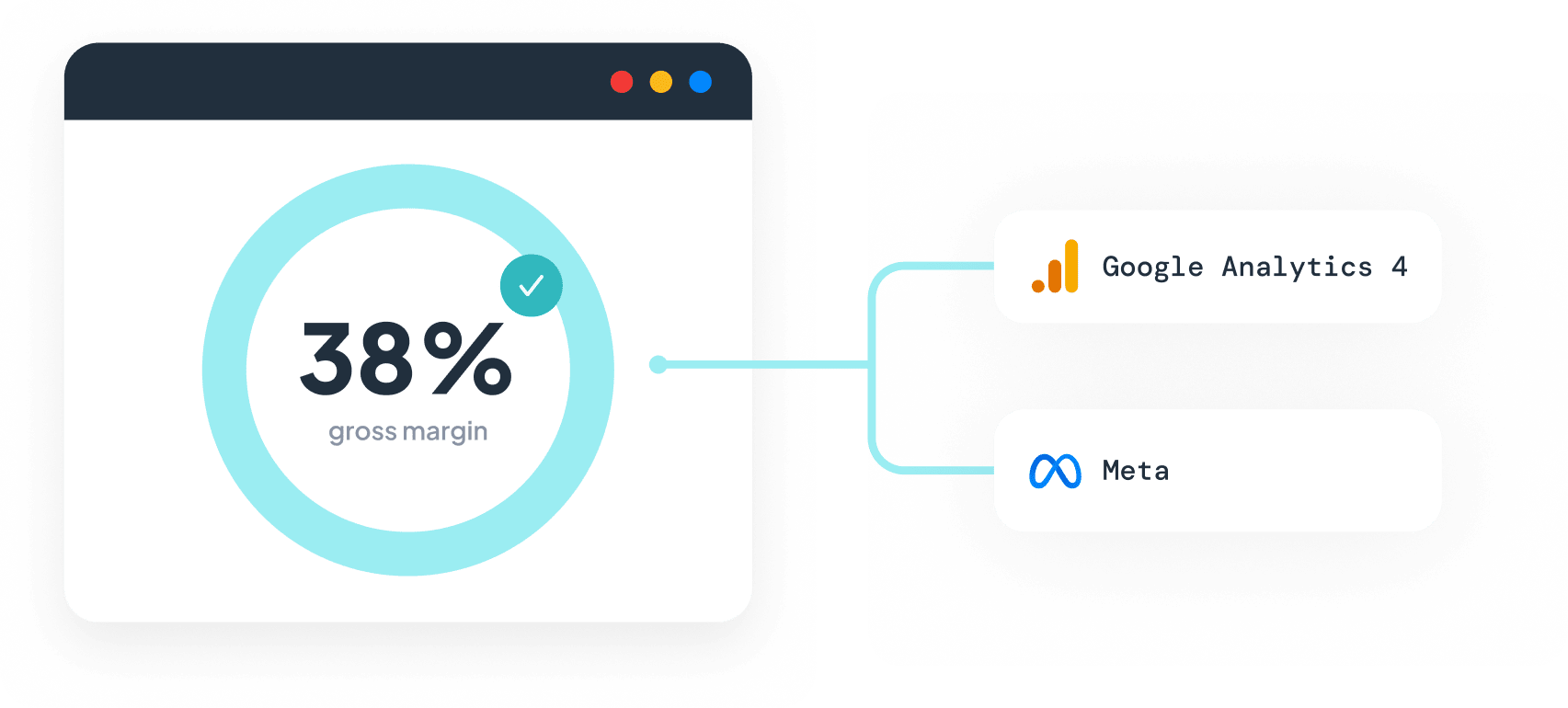
Profit Signal subtracts shipping, taxes, fees, and COGS in real time and sends net revenue as the conversion value. Set your margins once, by product type, vendor, or tag, and Smart Bidding starts finding customers who actually contribute margin.
Event Editor
Define the conversions Google optimizes for
Build custom conversion events from your Shopify data - Smart Bidding stops learning from every buyer and starts learning from the right ones.
New customer conversions
Focus your spend on new-customer acquisition and improve your Marketing Efficiency Ratio.
Hero-product conversions
Optimize campaigns for buyers of your highest-margin products, not every order.
Cleaner conversion values
Strip test orders and zero-value transactions before they reach Google, so ROAS reflects real performance.
Subscription-aware events
Separate first orders from recurring charges, so acquisition campaigns don't take credit for renewals.
Resources & activation
Get started, optimize, and scale
Guides for every stage of your Littledata × Google Ads journey.
Give Google the signals it needs to find your best customers