Measure and optimize ChatGPT ads on real Shopify orders
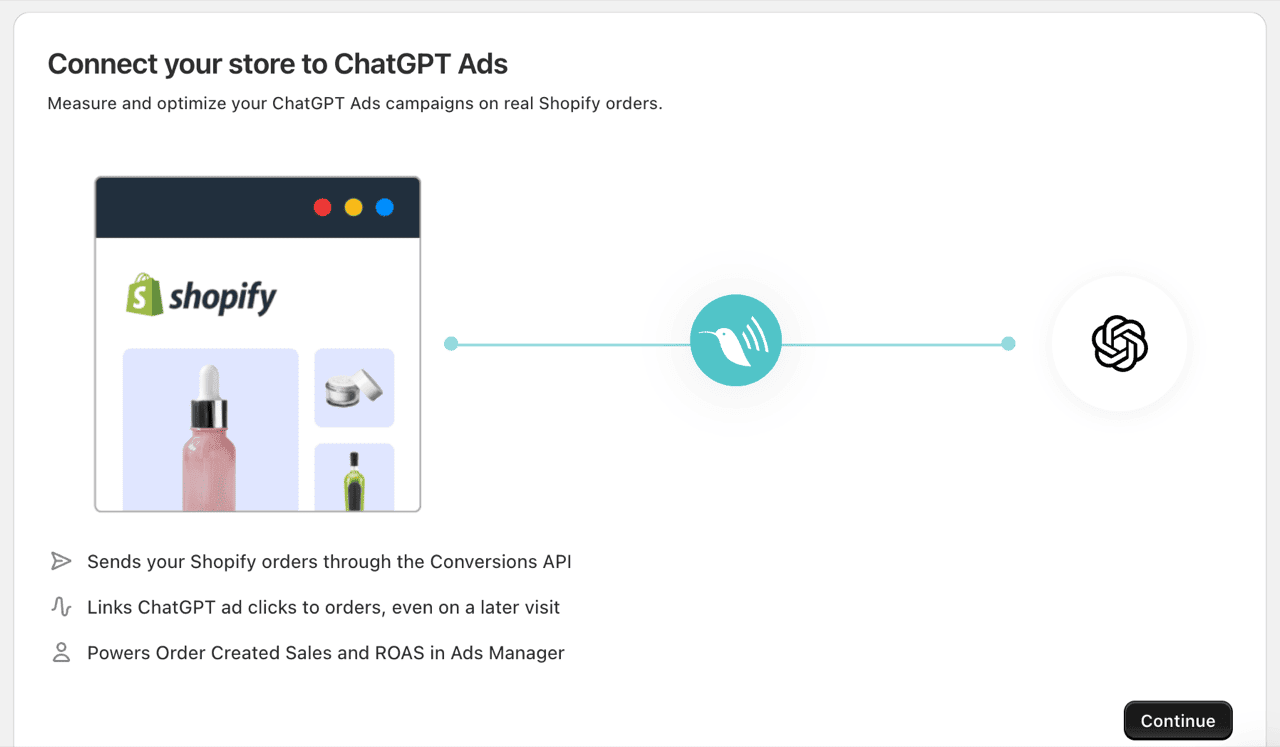
Littledata sends your Shopify orders, carts and checkouts to OpenAI Ads through the Conversions API, and adds the OpenAI Measurement Pixel to your store for you. No code required.
Why Littledata × OpenAI Ads
Give ChatGPT ads a purchase signal to optimize toward
Ads Manager can only report and optimize on the conversions it receives. Littledata sends every Shopify order to OpenAI Ads server-side, so Order Created Sales and ROAS are based on your real orders, and conversion-optimized campaigns can use purchases as their goal.
- Real Shopify orders in Ads Manager. See Order Created Sales and ROAS for your ChatGPT campaigns.
- Purchases as your campaign goal. Optimize conversion-optimized campaigns toward real purchases, not page views.
- Credit for later visits. A shopper who clicks a ChatGPT ad and comes back to buy days later still counts.
- No code to add. Littledata adds the OpenAI Measurement Pixel through its app embed and handles the rest server-side.
Use cases
Full-funnel signals for ChatGPT ads
Stage 1 · Browsing
See which ads bring shoppers in
Page and product views reach OpenAI Ads automatically, so you can see the traffic your ChatGPT campaigns drive without adding a pixel yourself.
Stage 2 · In the cart
Every step linked back to the ad
Add to cart and checkout are sent server-side and tied to the ChatGPT ad click, so you can see where shoppers drop off.
Stage 3 · At purchase
ROAS based on real revenue
Every order reaches OpenAI Ads with its full value, including tax, shipping and post-purchase upsells, so your ROAS reflects what shoppers actually paid.

Attribution
Get credit for sales that happen on a later visit
Shoppers rarely buy the moment they click an ad. Littledata keeps the link between a ChatGPT ad click and the shopper for up to 30 days, so a purchase on a later visit still counts toward your campaign.
- More conversions attributed. Purchases that happen days after the click are credited to the ad that earned them.
- Better matching. Hashed customer details help OpenAI Ads connect orders to the right shopper, with personal data hashed before it leaves Littledata.
- Optimize toward purchases. Conversion-optimized campaigns can use your real Shopify orders as their goal.
Clean data
Accurate counts, with your product feed untouched
No double counting
Each purchase is counted once, so the sales and ROAS you see in Ads Manager aren't inflated.
Keep the ChatGPT Ads app
OpenAI's ChatGPT Ads app for Shopify syncs your product feed. Keep it installed, and give Littledata its own new Pixel ID.
Sensible defaults
Point of Sale orders and subscription renewals are left out of Order Created by default, so ROAS reflects orders your ads can influence.
How to connect Shopify to OpenAI Ads
Create a data source in Ads Manager
Under Tools, open Conversions, create a new web data source for Littledata and copy its Pixel ID. Then create a Conversions API key.
Connect in Littledata
Click Add destination, choose OpenAI Ads, keep the recommended best practices and paste in your Pixel ID and Conversions API key.
Attach a conversion event
In Ads Manager, create an Order Created conversion event that uses your Littledata data source and attach it to your campaigns. Conversions show within 24 to 48 hours.

The data layer
One data layer for Shopify behind every destination
Littledata captures Shopify events server-side and sends the same complete data to your analytics, ad platforms and email/SMS tools. Run OpenAI Ads alongside Google Ads, Meta, TikTok, Microsoft Ads and Pinterest on one connection.
- Always current. Aligns automatically with Shopify's release cycle.
- No workarounds. Removes the dependency on manual tag patches.
- No maintenance. Requires no engineering or GTM upkeep.
Resources & activation
Get started with OpenAI Ads
Guides for setting up and measuring your ChatGPT ad campaigns.