See the whole customer journey in GA4
Littledata streams complete server-side Shopify data to Google Analytics, so every report starts from revenue you can trust



Why Littledata × Google Analytics
Your reports are only as good as the data
GA4 is where you decide what to spend, stock, and fix - and default Shopify tracking feeds it an incomplete picture. Littledata pioneered server-side tracking for Shopify, so GA4 reports on everything that happens in your store.
- 100% of revenue tracked in GA4 - server-side purchase events capture the orders browser tracking misses.
- Attribution you can trust - Session Enrichment stitches server-side orders back to the marketing channel that drove them, reducing Direct and Unassigned.
- The full ecommerce funnel - product list views and CTR, cart, every checkout step, purchases, and refunds.
The Google & YouTube app vs. Littledata
Shopify's native channel tracks purchases server-side, but leaves the rest of the funnel to the browser.
Google & YouTube app
Purchases only, server-side
Cart, checkout, and product events still fire from the browser, so ad blockers and privacy settings leave the funnel beneath your revenue incomplete.
Broken attribution
Purchases aren't stitched back to the session that drove them, so revenue piles up under Direct and Unassigned.
A fixed event set
You get the events Shopify chooses to send, as it sends them. No custom events, and no way to shape a key event around what matters to your business.
With Littledata
Full funnel tracked server-side
Every enhanced ecommerce event - product views, cart, each checkout step, purchases, and refunds - fires from Shopify's servers, so the whole journey is accurate, not just the order total.
Attribution that survives blockers
Session Enrichment stitches orders to their true marketing source, and Attribution Boost carries first-order attribution onto recurring orders.
Events and key events you define
Build custom events from your Shopify apps and metafields in the Event Editor, then make the ones that matter your key events - the same flexibility you get for Meta.
Use cases
Full-funnel data for GA4
Stage 1 · Browsing
Merchandising insights
Product list views, clicks, and click-through rates show which collections and placements actually sell.
Stage 2 · In the cart
A checkout funnel you can fix
Every Shopify checkout step is tracked in GA4, so you can see exactly where shoppers drop off, and measure what fixes it.
Stage 3 · At checkout
Revenue that matches Shopify
100% of orders recorded server-side and attributed to the right channel, whatever the payment method.
Littledata vs Google & YouTube app
| Tracking | Littledata app | Google & YouTube app |
|---|---|---|
| 100% of Shopify revenue tracked | ✔️ | ~ 30% missing |
| Product list clicks (select_item) | ✔️ |  |
| Accurate attribution to marketing campaigns | ✔️ | |
| Recurring Orders & Subscriptions | ✔️ | |
| Other Sales Channels (POS, TikTok etc) | ✔️ | |
| Track each Shopify Market separately | ✔️ | |
| Profit Signal | ✔️ | |
| Event Editor | ✔️ | |
| Bot Protection | ✔️ | |
| Support from Google Analytics Experts | ✔️ | |
| See all features |








Align GA4 with Shopify revenue
Walk through matching direct-to-consumer revenue in Google Analytics with what you see in Shopify, without manual spreadsheets.
How it works
Connect in minutes
No-code setup between Shopify, Littledata, and GA4 - server-side tracking live in about 10 minutes.
Sync the whole journey
Littledata stitches client-side browsing sessions to server-side orders, so tracking survives ad blockers and third-party checkouts.
Go deeper
Turn on Session Enrichment controls, Profit Signal, and app connections like Klaviyo and Recharge for a complete GA4 property.

Session Enrichment
Boost marketing attribution in GA4
Session Enrichment gives you fine control over how server-side purchases are attributed in GA4:
- Attribution Boost - recurring orders inherit the attribution of the first order, so you see the true lifetime value of each acquisition channel.
- Purchases by location and device - server-side orders are geolocated and linked to a device, for native GA4 reporting.
- Every sales channel, attributed - configure the source and medium for Point of Sale, TikTok Shop, Amazon, and draft orders.

Persistent ID
Stop counting returning customers as new
Many browsers wipe cookies within days, so a shopper returning on the same device looks like two different people. Persistent ID reconnects sessions to a known customer profile for up to a year.
- Real new vs returning numbers - acquisition reports stop counting customers you already had as new users.
- Cohorts and LTV you can trust - repeat purchases attach to the same customer instead of a new one each time.
Profit Signal
Report on profit alongside revenue in GA4
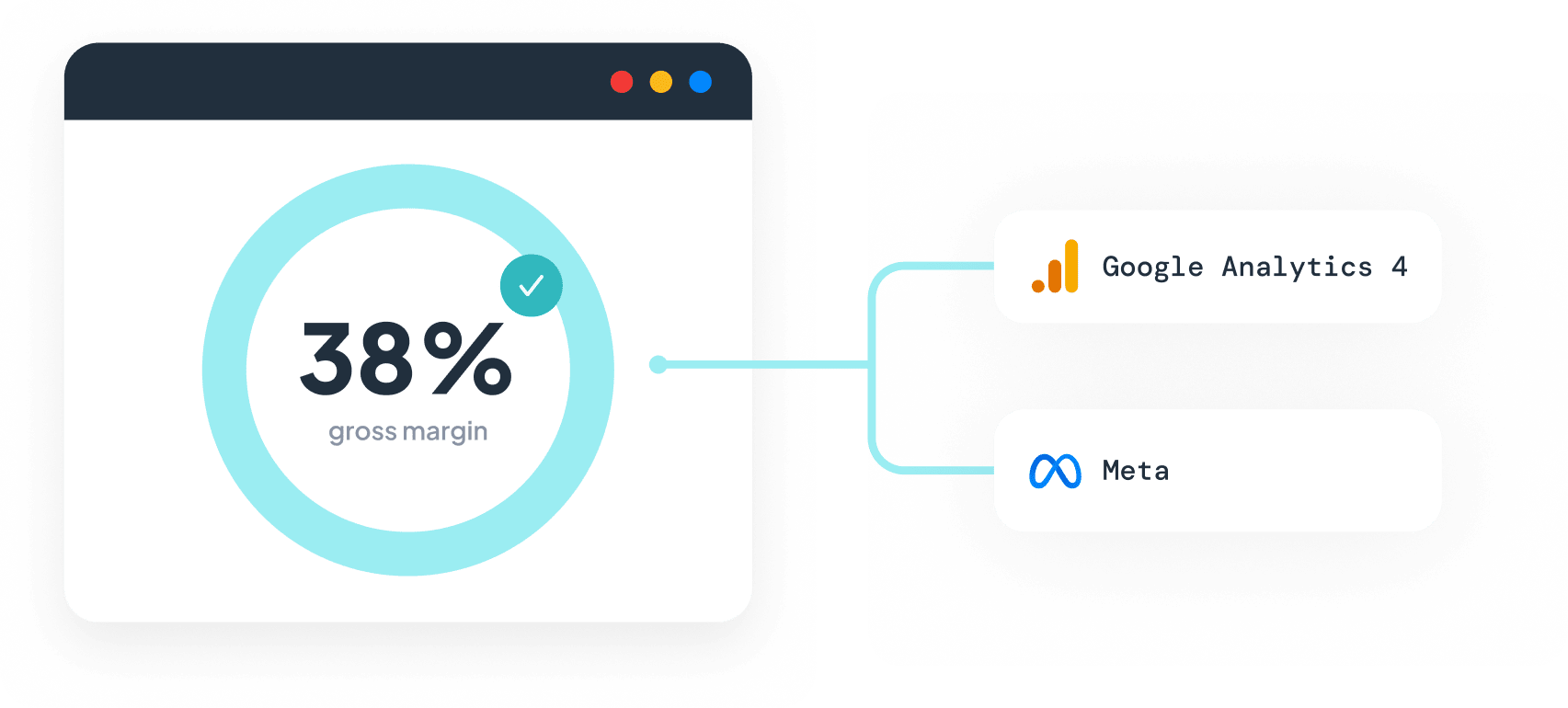
GA4 reports the revenue of an order, so a $150 order at 20% margin looks identical to a $150 order at 60%. Profit Signal subtracts shipping, taxes, fees, and COGS in real time and sends net revenue to GA4 as well.
- Margins set once - define them as a percentage, by product type, vendor, or tag. No spreadsheet uploads, and no ERP integration.
- A custom metric you can report on - net revenue arrives as a numeric parameter on your GA4 events. Register it as a custom metric to break profit down by channel, campaign, and product.
- Revenue reporting stays as it is - the revenue you already report doesn't change, so you can validate profit in GA4 before letting ad platforms optimize on it.
Event Editor
Add business context to your GA4 events
Event Editor pulls fields from your Shopify apps and metafields and attaches it to the events flowing to GA4, so reports reflect your business, not generic conversions.
Segment on app data
Loyalty tiers, subscription status, and review data from your Shopify apps become usable dimensions in GA4.
Product attributes that matter
Attach variant attributes and product metafields to events for deeper merchandising analysis.
Cleaner reporting
Strip test orders and zero-value transactions before they reach GA4, so revenue reflects real performance.
Subscription-aware reporting
Separate first orders from recurring charges to see acquisition and retention clearly.

Bot Protection
Keep bots out of your reports
Competitor tools crawl your store, firing add-to-cart events no human ever triggered. Events arrive in GA4 with no journey behind them, inflating your Unassigned sessions.
- Filtered before GA4 sees it - Littledata drops bot events at the Shopify event level, so there are no GA4 filters to maintain and nothing to clean up after the fact.
Resources & activation
Get started, optimize, and scale
Guides for every stage of your Littledata × Google Analytics journey.
Make GA4 the source of truth for your Shopify store