Track PayPal orders in Google Analytics
Every Shopify order paid with PayPal, attributed to the marketing campaign that drove it, in Google Analytics 4


The direct answer
How does Littledata track PayPal orders in GA4?
Littledata tracks every Shopify order on the Shopify server, whichever payment gateway the customer used, and sends it to Google Analytics 4. Orders paid with PayPal are counted even if the shopper never returns to your thank-you page, and they're attributed to the marketing campaign that started the session. Each order also carries the payment gateway, so you can compare PayPal with other payment methods.
- Order volumes in Shopify match Google Analytics - no missing PayPal orders.
- Accurate marketing attribution - online sales linked to the original campaign, not to paypal.com.
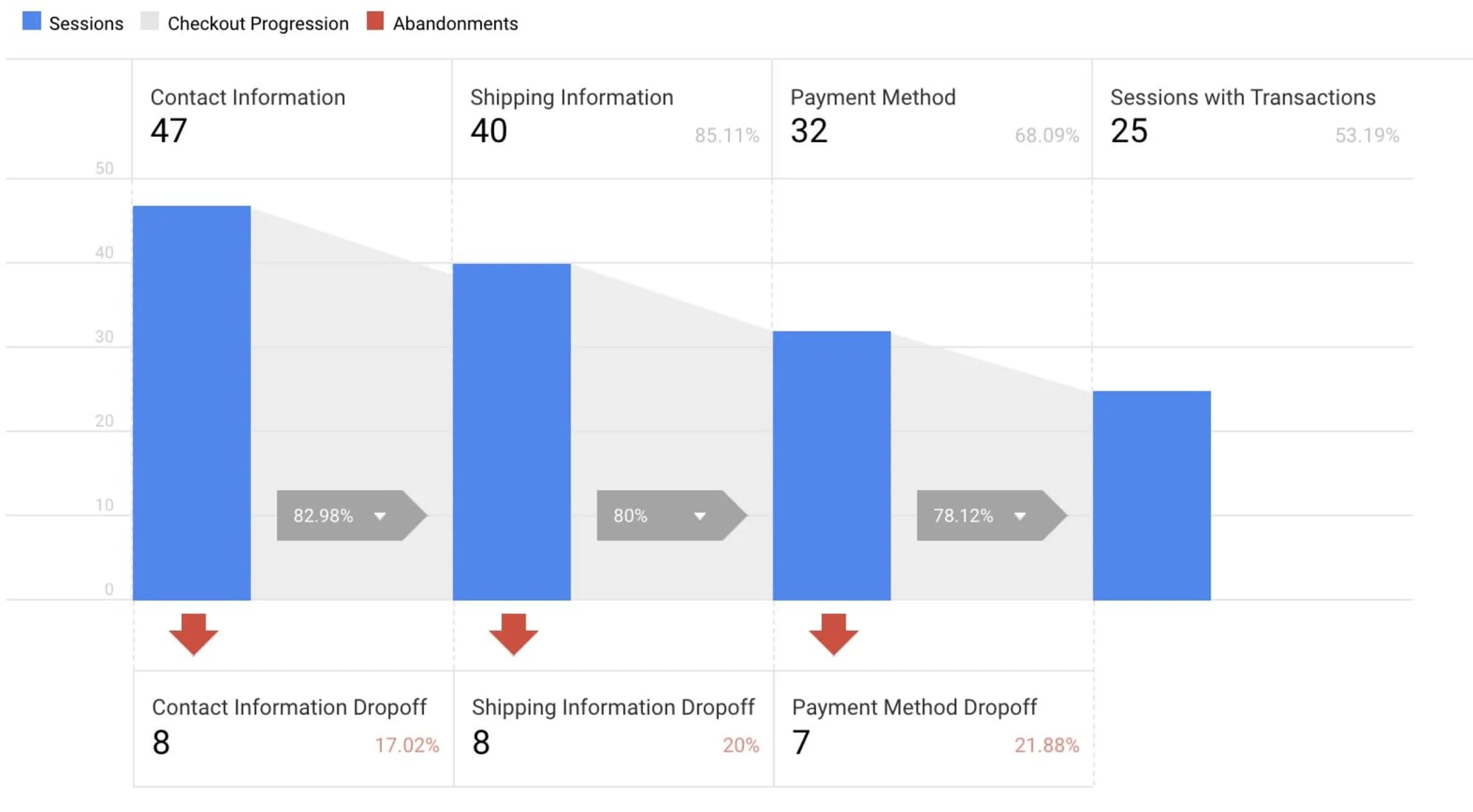
- Ecommerce details - product list position, adds to cart, and checkout steps.
- Site searches - see what shoppers searched for before buying.

The problem
Why PayPal breaks browser-based tracking
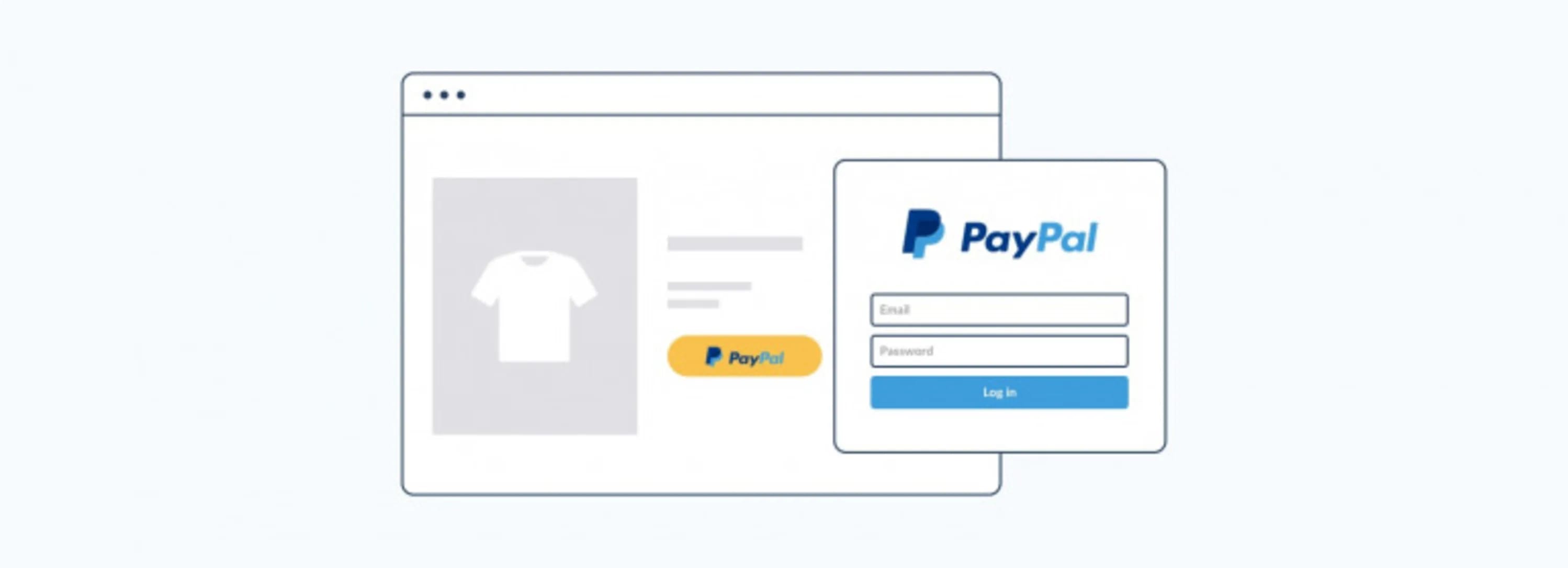
With PayPal, the shopper leaves your checkout for PayPal's domain to approve the payment, then returns. That handoff causes two problems for tag-based tracking.
- Lost orders - if the shopper closes the tab after paying, the thank-you page never loads and the purchase tag never fires.
- Misattributed orders - when the shopper returns, GA4 can start a new session from paypal.com, so the order is credited to a PayPal referral instead of your campaign.
Littledata fixes the first by capturing orders server-side. For the second, add PayPal to GA4's list of unwanted referrals.
What can you analyze by payment gateway?
Littledata adds the payment gateway to checkout and order events from checkout step 2 onward.
| Destination | Parameter | Example question |
|---|---|---|
| Google Analytics 4 | payment_gateway_ld | Which payment methods have the highest checkout completion rate? |
| Segment | payment_gateway_littledata | Do some channels lead to more PayPal or buy-now-pay-later orders? |
Multi-currency tracking in real time
- 100% compatible with multi-currency payments - PayPal and every other gateway support multiple currencies.
- Store currency on server-side events - carts, checkouts, and orders are priced in your store currency, so exchange rates don't distort revenue.
- Local currency kept too - Segment events include presentment currency and amount.
How do I set up PayPal tracking?
Install Littledata
Add Littledata from the Shopify App Store and connect your GA4 property. PayPal orders are tracked automatically.
Exclude PayPal referrals
In GA4, open Admin > Data Streams, select your web stream, click Configure tag settings, then List unwanted referrals. Add paypal.com.
Report by payment gateway
Add the payment gateway dimension to any GA4 report to compare PayPal with Shop Pay, Klarna, and other methods.
Every major gateway is supported Littledata attributes orders from Shopify Payments, Shop Pay, PayPal, Klarna, Affirm, Afterpay, Stripe, and many more. See the full gateway list